 By Sundar Pichai
Introduction
If you use Facebook regularly, you’ve probably wondered why certain people appear in the “People You May Know” section. Sometimes the suggestions make perfect sense… other times, they feel oddly specific. Many users ask the same question: how does Facebook suggest friends so accurately?
The truth is that Facebook’s recommendation system isn’t magic — it’s a mix of social graph patterns, shared information, and everyday digital interactions. In this article, we’ll break down the human-friendly version of how it works, why some suggestions feel personal, and how you can take more control over the process.
What “People You May Know” Actually Is
Facebook’s friend-suggestion feature is designed to help you find people you might genuinely know in real life. Think of classmates, coworkers, neighbors, and contacts you’ve interacted with across different parts of your digital life.
- It’s not a spying tool.
- It’s not listening to your microphone.
- Not only that, but it doesn’t pull private messages or conversations.
Instead, it relies on patterns — and those patterns are surprisingly powerful.
The Core Signals Behind Facebook’s Friend Suggestions
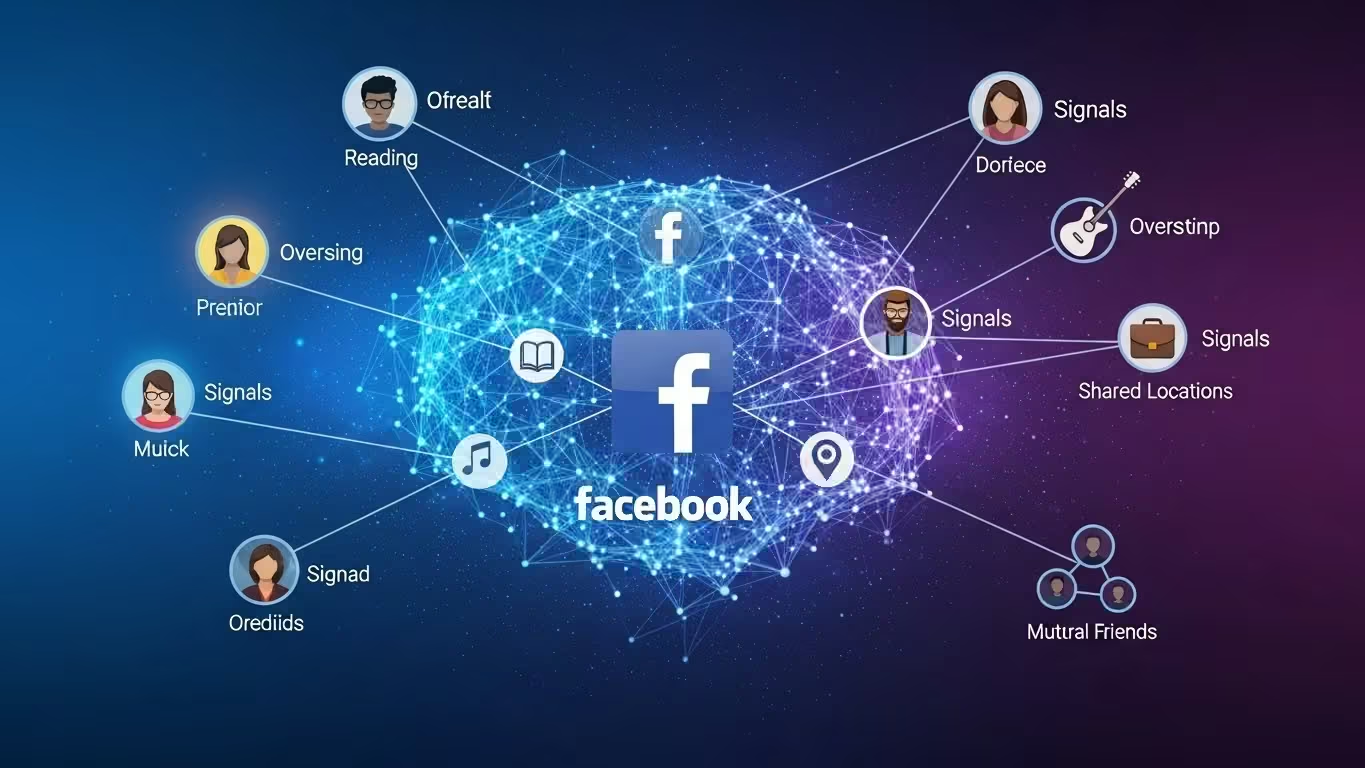
Facebook combines multiple signals to predict who you might want to connect with. Here’s the human-friendly breakdown.
1. Mutual Friends
This is the strongest signal. If you share several friends with someone, the algorithm assumes there’s a decent chance you know each other. Social relationships tend to cluster, so mutual friends create natural connection paths.
2. Shared Profile Details
Your profile holds clues about your background:
- Schools you attended
- Places you’ve worked
- Cities you’ve lived in
- Groups you join or follow
If you and someone else overlap in several areas, Facebook prioritizes that connection.
3. Synced Contacts
When you allow Facebook or Messenger to access your phone contacts, it uses them to match known numbers or emails with existing accounts.
Many people don’t realize they’ve previously enabled contact syncing on an older device — and those uploads stay in the system until removed.
4. Shared Places or Networks
If you and someone were recently:
- At the same event
- On the same public Wi-Fi
- Checking into the same location
- Using the same workplace network
Facebook picks up on that shared proximity and interprets it as potential social relevance.
This doesn’t mean it’s tracking your exact movements — rather, it uses broad signals to understand when people appear in similar spaces.
5. Engagement Patterns
The algorithm notices when:
- You search for someone
- You visit someone’s profile
- You interact with similar pages, groups, or communities
- You comment in the same discussion threads
You don’t need to “like” anything directly. Even silent browsing creates patterns.
How Facebook Turns Signals Into Suggestions
Think of the algorithm like a helpful assistant sorting through your digital life. It collects small hints from different places and asks:
“If these two people share many small connections, could they know each other?”
The more signals align, the stronger the recommendation becomes.
The fewer signals overlap, the lower the suggestion drops in the results, or it never appears at all.
This system evolves as Facebook retrain and updates its models based on millions of past connection patterns.
Why Some Suggestions Feel Strangely Accurate
Most “creepy” suggestions aren’t actually strange — they’re just the result of overlapping behaviors you didn’t notice.
Here are a few common examples.
1. Someone You Saw Recently
If you and another person visited the same place around the same time — a gym, a café, a college campus — the system may interpret that as real-world proximity.
2. People Connected Through Someone Else’s Contacts
A surprising number of friend suggestions happen because someone else uploaded their contacts, not you.
If both your numbers appeared in the same person’s phone, Facebook recognizes that you’re part of the same wider circle.
3. Shared Online Communities
Maybe you joined the same gaming group or commented on the same post. Even minor interactions can signal that you move in similar circles.
4. Overlapping Life Events
Think:
- Working at the same company during the same years
- Attending a university during overlapping semesters
- Living in the same neighborhood
Humans forget these details. Algorithms don’t.
Why Facebook Doesn’t Use Your Microphone
One of the most common myths is the idea that Facebook listens through your phone microphone to suggest friends. There’s no evidence this happens, and it would violate privacy laws in many countries.
Much simpler (and legal) signals — like contacts, mutual friends, shared workplaces, or same-location overlap — easily explain coincidences that feel uncanny.
Algorithms don’t need microphones to be accurate.
Privacy Considerations: What Facebook Uses vs. What It Doesn’t
Friend suggestions rely on:
- Public profile details
- Voluntarily shared information
- Contact syncing (if enabled)
- Interactions inside Facebook
- Real-world proximity or shared networks
- Mutual friends
Friend suggestions do not rely on:
- Private messages
- Microphone audio
- Your camera
- Banking data
- Personal files
- SMS content from your phone
Understanding this helps reduce the anxiety some users feel when suggestions seem too spot-on.
How to Reduce Friend Suggestions You Don’t Want
If you prefer fewer or more accurate suggestions, here are simple steps to try.
1. Turn Off Contact Syncing
Go into Facebook and Messenger settings and disable contact uploads.
You can also delete previously uploaded contacts.
2. Limit Location Permissions
If you don’t want real-world proximity factored in, turn location access to:
- “Never”
- “While using the app.”
- Or disable precise location
3. Adjust Who Can Look You Up
You can restrict whether people can find your profile by:
- Phone number
- Email address
4. Review Your Profile Info
Removing outdated workplaces, schools, or cities changes your suggestion pool significantly.
5. Clean Up Old Activity
Clearing searches and revisiting your activity log can help reset algorithmic assumptions.
None of this stops suggestions completely, but it gives you more influence over how the system interprets your social world.
Real-World Examples
Example 1: The Workplace Coincidence
You start receiving friend suggestions for people from a company you left years ago.
Why?
You still have the workplace listed on your profile, and old colleagues continue syncing their contacts — linking you indirectly.
Example 2: Community Overlap
You join a parenting group or local sports page.
Suddenly, you see many parents or athletes suggested as friends.
Communities naturally create social clusters that Facebook detects.
Example 3: The Event-Based Suggestion
You attend a conference or workshop.
Even if you don’t check in, shared event pages or overlapping Wi-Fi networks might connect you to others present.
What This Means for Everyday Users
Understanding how friend suggestions work helps you:
- Interpret why certain people appear
- Feel less “watched” or confused
- Make intentional choices about your privacy
- Control the type of social experience you want on Facebook
When you know the signals, the suggestions feel less mysterious — and more like helpful shortcuts.
Key Takeaway
Facebook suggests friends by analyzing mutual friends, shared profile details, contact uploads, location overlap, and online interaction patterns. These signals feed into a ranking system that predicts who you might know. You can influence suggestions by managing contacts, location permissions, and your profile information.
Conclusion
Facebook’s friend-suggestion system isn’t meant to be intrusive — it simply pieces together clues from your social world to predict meaningful connections. Once you understand how those clues work, the suggestions start to feel logical rather than mysterious.
Whether you want to tighten your privacy, understand your recommendations, or reshape your online network, the key is knowing which signals you share and how to manage them. When used thoughtfully, friend suggestions can be a practical tool instead of a confusing one.
FAQs
1. How does Facebook suggest friends?
It uses factors like mutual friends, shared profile details, contact uploads, online interactions, and general location overlap to recommend people you might know.
2. Does Facebook use my phone’s microphone for friend suggestions?
No. There’s no evidence of microphone data being used. Facebook relies on normal digital signals — not private audio.
3. Why do I get suggestions for people I barely know?
You may share subtle connections like contacts, group interactions, or location overlap without realizing it.
4. How can I stop Facebook from suggesting certain people?
You can’t turn suggestions off completely, but you can reduce them by disabling contact sync, limiting location access, and adjusting privacy settings.
5. Why do people I just saw appear in suggestions?
If you and someone else shared the same place or network recently, the algorithm may interpret that as a potential real-life connection.
6. Can I reset my friend suggestions?
You can influence them by cleaning up your profile, clearing activity, removing synced contacts, and adjusting privacy controls.